Manufacturing
Manufacturing CRM for RFQs, samples, versioned quotes and reorders
Senitix CRM keeps a manufacturer's deal on one record: the RFQ and the drawing it was priced against, the sample and its result, every quote version with its valid-until date, and the approval behind an off-list discount. When the buyer signs off, production and shipping work from the version the rep actually sold.
Built for manufacturers in the United States that make to a customer's spec or sell from a catalog and price book, from building-products and industrial-parts makers to contract fabricators, furniture makers and food producers.
One deal for the spec, the sample and every quote version
A manufacturing sales team sets the deal up around how it sells: the product line, the drawing revision, the material and the quantity as fields, the sample outcome at a stage of its own, and every quote version with its valid-until date and the approval behind any off-list discount. When the deal is won, the approved version and the delivery window reach production and shipping as dated tasks. Senitix CRM sits beside your ERP rather than replacing it: inventory, production scheduling, shipping and the invoice of record stay where they are.
In Senitix CRM
What Senitix CRM solves for manufacturers
Qualify the RFQ against the spec, not the inbox
An RFQ arrives by email, by phone or at a trade-show booth, and the team opens it as a lead or a deal with the details a price depends on written onto the record as fields. The drawing and the spec sheet sit in the deal’s documents with their version history, so the estimator and the rep open the same revision.
- Product line, material, dimensions or tolerance, quantity and required-by date set up as fields on the deal
- Drawings, spec sheets and sample reports filed on the deal, where a revised drawing replaces the old one without losing it
- A sample stage with ship date and outcome as key fields, and an automation that opens a dated feedback task when the sample ships
Quote from the current price book and keep every version
Products, SKUs and price books live in Senitix CRM, so a rep builds each quote line from the list that applies rather than a file saved months ago. When raw-material costs move, the team updates the price book once, and a report of open quotes sorted by valid-until date shows which ones to re-quote before they lapse. When the new prices have to reach customers in writing, see our guide to writing a price increase letter.
- A product catalog with SKU, product family and unit of measure, and separate price books for direct, key-account and export pricing
- Numbered quote versions, each with its own valid-until date and a PDF from the team's template, with the buyer's acceptance or rejection recorded
- An approval process the team sets up: a quote whose discount crosses the agreed threshold waits for a named approver, and goes back for approval if the discount changes
Hand the approved version to production and shipping
When the deal is won, the accepted quote continues into an order without retyping its lines, and the order holds the customer’s PO number and PO date. An automation the team writes opens the production and shipping tasks with the approved version and the delivery window attached, so the plant builds what the buyer signed off on rather than what an email thread suggests.
- An order created from the accepted quote, with lines and totals carried over and the customer's PO number and PO date recorded
- A rule on the won stage that opens dated tasks for named production and shipping owners, with the approved quote version attached
- One timeline for sales and production, with cost and margin fields visible only to the roles that need them
See the reorder coming and read it apart from new business
Repeat orders and new, sample-led business can run as separate pipelines with their own stages, so a long spec-in deal and a routine reorder never share a column. The team keeps the next expected order date on the account, and a date-based automation opens a task for the account owner before that window passes. A forecast can be set to one pipeline, so new business and reorders are forecast apart, by forecast category against each rep’s quota.
- Separate pipelines for new business and repeat orders, with a report of open deal value by close month for each
- A next-order date on the account, and a date-based automation that opens a dated task for its owner ahead of it
- Forecast categories, quotas, manager adjustments and forecast against actual, with a product-family view built from the products on each deal
An example manufacturing sales pipeline
The stages a manufacturer's sales team might set up in Senitix CRM for new business, from “RFQ received” to “PO received”. Each stage shows guidance text the team writes and up to five key fields; repeat orders can run in a pipeline of their own.
Example stages
- RFQ received
- Technical review
- Sample or trial
- Quote sent
- Negotiation
- PO received
Guidance on each stage
- RFQ received The requesting account, product line, quantity, required-by date and the drawing or spec are on the deal, and an owner is assigned.
- Technical review The current drawing revision is filed, and material, dimensions and estimated annual volume are agreed with the buyer.
- Sample or trial The sample's ship date is recorded, a dated feedback activity exists, and the outcome is set to approved, revision or rejected.
- Quote sent The quote was built from the price book that applies, its status is Sent, a valid-until date is set and a follow-up is dated.
- Negotiation Each change of terms is a new quote version, and any discount past the agreed threshold carries an approver's decision.
- PO received The accepted version is on the deal, the customer's PO number is recorded, and production and shipping owners have dated tasks.
An example, not a default: the team sets these stages up itself, and nothing arrives configured. A plant that makes to stock can drop the sample stage, and one that bids on tenders can add a stage for it. The guidance is what the team agrees must be true, not a gate the product enforces, and deals already in the pipeline keep their stage history.
Customer story Building and infrastructure plastics manufacturing
Gurbetçiler carries a project deal from technical review to shipping
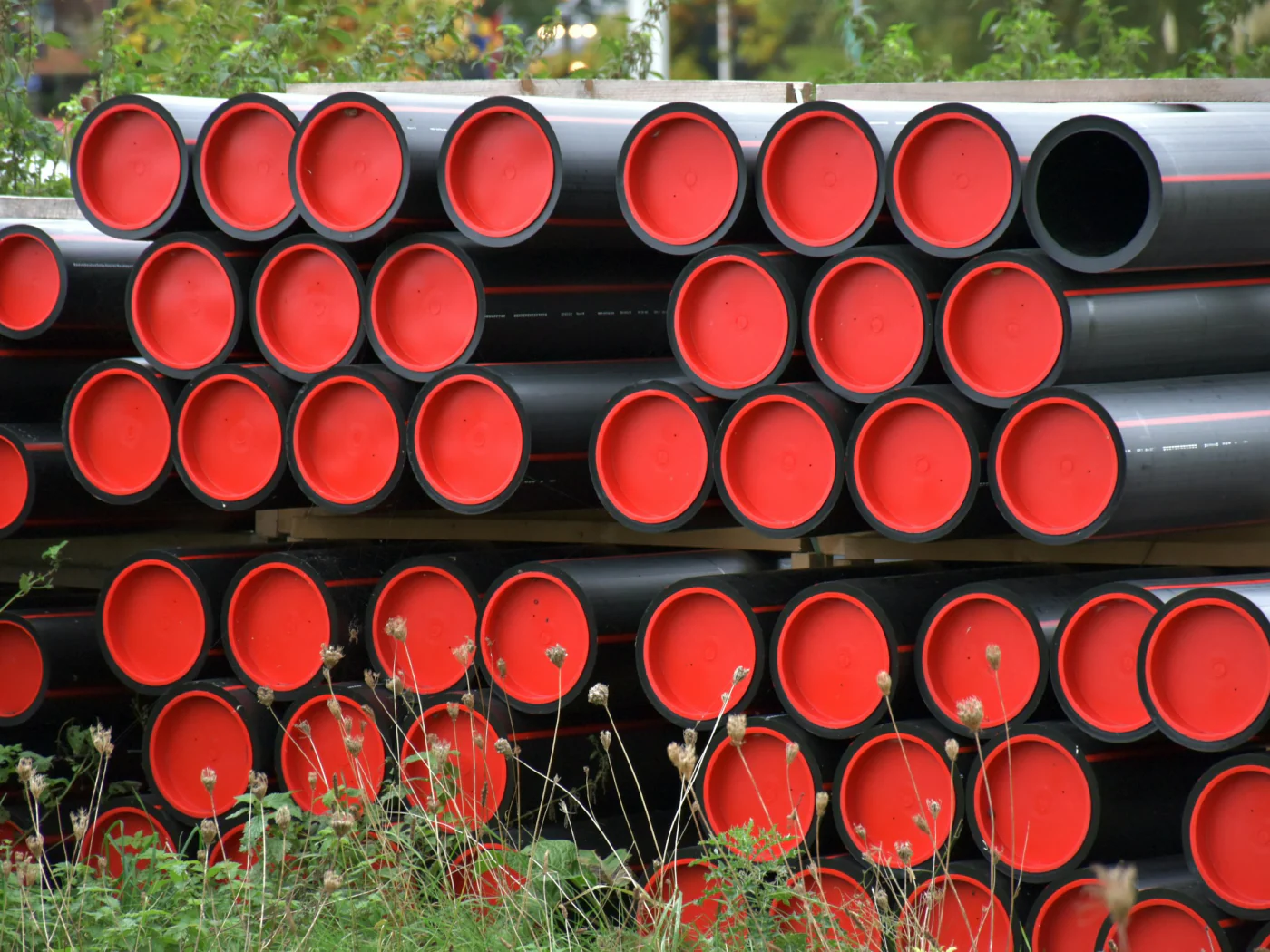
Gurbetçiler, an Istanbul manufacturer of plastic components for construction and infrastructure, keeps the drawing, the sample report and each quote version on one Senitix CRM deal until the approved scope reaches production and shipping. The story describes that setup, not measured results.
Read the Gurbetçiler storyFAQ
Manufacturing CRM questions
What is a manufacturing CRM?
A manufacturing CRM is a customer relationship management system set up for how a manufacturer sells: the RFQ and the drawing behind it, samples and their results, products and price books, versioned quotes, discount approvals, and the reorder that follows the first order. The account, its contacts, the quote history and the next step sit on one record the whole team can read. This page shows how a manufacturer’s sales team sets Senitix CRM up for that work: the fields, an example pipeline and the reports.
Does a manufacturing CRM work for building-products and industrial-parts makers?
Yes, because both sell against a specification. A building-products maker records the application, product line, estimated quantity and delivery window on the deal, with the contractor, the design office and the buyer as its contacts. An industrial-parts maker keeps the part number, material, tolerance and annual volume instead. Either way, the drawing, the sample report and every quote version stay on the same deal, and the stage names and fields are the team’s own.
How do you track RFQs and samples in a CRM?
An RFQ can start as a lead or go straight onto a deal, with product line, quantity and required-by date as fields. A sample stage then shows guidance and up to five key fields, such as ship date and outcome, that the team agrees to fill before the deal moves to a quote; the product does not enforce them. Web forms that capture RFQs from your website are coming soon, so today an RFQ is entered by hand or imported. For a follow-up cadence that turns more RFQs into orders, see our guide to RFQ follow-up for manufacturers.
How does a CRM keep quote revisions and valid-until dates straight?
Each revision is a new numbered version on the same deal, with its own lines, totals and valid-until date, and the earlier versions stay readable behind it. A quote goes out as a PDF from the team’s template, and the buyer’s acceptance or rejection is recorded on it; signatures are collected outside Senitix. A report of open quotes sorted by valid-until date shows which ones to re-quote before they lapse. Quotes are priced line by line, and product bundles and volume discount schedules are not part of them today. Plan details for quotes, approvals, orders and automations are on the pricing page.
How do you set up discount approvals on quotes?
As an approval process that runs before the quote is sent. An admin sets the entry criteria, such as the highest line discount on a quote rising past the team’s threshold, and names the approvers for each step. A quote that meets them waits for a decision before it can go out, and a discount changed after approval sends it back for approval. The approver, the decision, the comment and the time stay in the quote’s approval history. For the policy behind the rule, see our discount approval process template.
What if we sell through distributors and dealers?
Put the channel on the deal. A distributor’s headquarters and branches sit under one parent account, and each deal names the end customer and carries the distributor, dealer or rep agency as fields, so a report can group the pipeline by channel. Your team records what the channel reports back. Branch and buying-group hierarchies and channel price books are covered in more depth on the wholesale distribution page.
Does a manufacturing CRM integrate with our ERP?
Not through a packaged connector: Senitix CRM has none for the ERP and accounting systems US manufacturers run. Records move in and out as CSV or Excel files, with a preview before an import runs, and a full data export can be scheduled. Other integrations run through connected apps that Senitix registers, so a link to your ERP starts with a conversation with our team. Inventory, available-to-promise, production scheduling, shipping and the invoice of record stay in your ERP, which Senitix CRM does not replace. Outgoing webhooks are coming soon.
How do you forecast repeat orders separately from new business?
Give each its own pipeline. Sample-led new business and repeat orders then move through different stages, and a report of open deal value by close month reads either one alone. The forecast grid rolls open deals up by forecast category against each rep’s quota, holds a manager’s adjustment apart from the rep’s number, compares forecast with actual and breaks down by product family. A next-order date on the account, watched by a date-based automation, puts the reorder in front of its owner before the window passes.
Bring your catalog and your next RFQ
Start free with your products and a price book, or talk to our team about setting up quote versions, discount approvals and the handoff to production.
No credit card required.